
Search engine optimization has evolved significantly over the last few years. While high-quality content and authoritative backlinks remain essential, they won’t deliver their full potential if search engines struggle to crawl or understand your website. That’s why technical SEO continues to be one of the most important parts of a successful SEO strategy in 2026.
Whether you’re managing a business website, an eCommerce store, or a growing blog, regular technical audits help uncover hidden issues that may be limiting your visibility in search results. From slow page speeds and broken links to indexing errors and poor mobile usability, even small technical problems can affect your rankings.
The good news is that most technical SEO improvements don’t require rebuilding your website. A structured review can help you identify issues, prioritise fixes, and create a stronger foundation for long-term organic growth.
This step-by-step tech SEO checklist walks you through the most important areas to review in 2026, helping ensure your website is accessible to search engines and provides an excellent experience for visitors.
Why Technical SEO Matters in 2026
Google’s ranking systems have become increasingly sophisticated, but they still rely on being able to crawl, understand, and index your website correctly.
If search engines encounter technical barriers, your pages may never reach their full ranking potential, regardless of how useful the content is.
A strong technology SEO strategy helps you:
- Improve crawl efficiency
- Increase index coverage
- Reduce duplicate content
- Enhance user experience
- Improve Core Web Vitals
- Support stronger organic rankings
Think of technical SEO as maintaining the foundation of a house. Even beautiful interiors cannot compensate for structural problems.
Step 1: Check Crawlability
Before anything else, verify that search engines can access your website.
Review your robots.txt file to ensure you’re not accidentally blocking important pages or folders. While certain admin areas should remain restricted, product pages, service pages, blog posts, and category pages generally need to remain crawlable.
Next, log into Google Search Console and review the Crawl Stats report. If Google frequently encounters errors or spends time crawling unnecessary pages, your crawl budget may be wasted.
Also check for:
- Broken internal links
- Redirect loops
- Server errors
- DNS issues
- Excessive redirect chains
Fixing crawl issues ensures search engines spend more time discovering valuable content instead of encountering obstacles.
Step 2: Review Indexing Status
Being crawled doesn’t guarantee that a page will appear in Google’s index.
Open Google Search Console and review the Pages report.
Pay close attention to pages labelled:
- Crawled – currently not indexed
- Discovered – currently not indexed
- Duplicate without user-selected canonical
- Alternate page with canonical tag
- Soft 404
These reports often highlight technical issues that prevent important pages from appearing in search results.
If valuable pages aren’t indexed, investigate whether they’re blocked, duplicated, thin, or incorrectly canonicalised.
Remember that not every page should be indexed. Thank-you pages, admin sections, internal search pages, and duplicate filters usually don’t belong in Google’s index.
Step 3: Test Website Speed
Page speed remains a critical ranking factor because it directly affects user experience.
Visitors expect websites to load quickly. Slow pages increase bounce rates and reduce conversions.
Use tools such as Google PageSpeed Insights or Lighthouse to identify opportunities for improvement.
Common speed improvements include:
- Compressing images
- Using next-generation image formats
- Reducing unused CSS and JavaScript
- Enabling browser caching
- Improving server response times
- Using a Content Delivery Network (CDN)
Rather than chasing perfect performance scores, focus on providing a fast, smooth experience for real users.
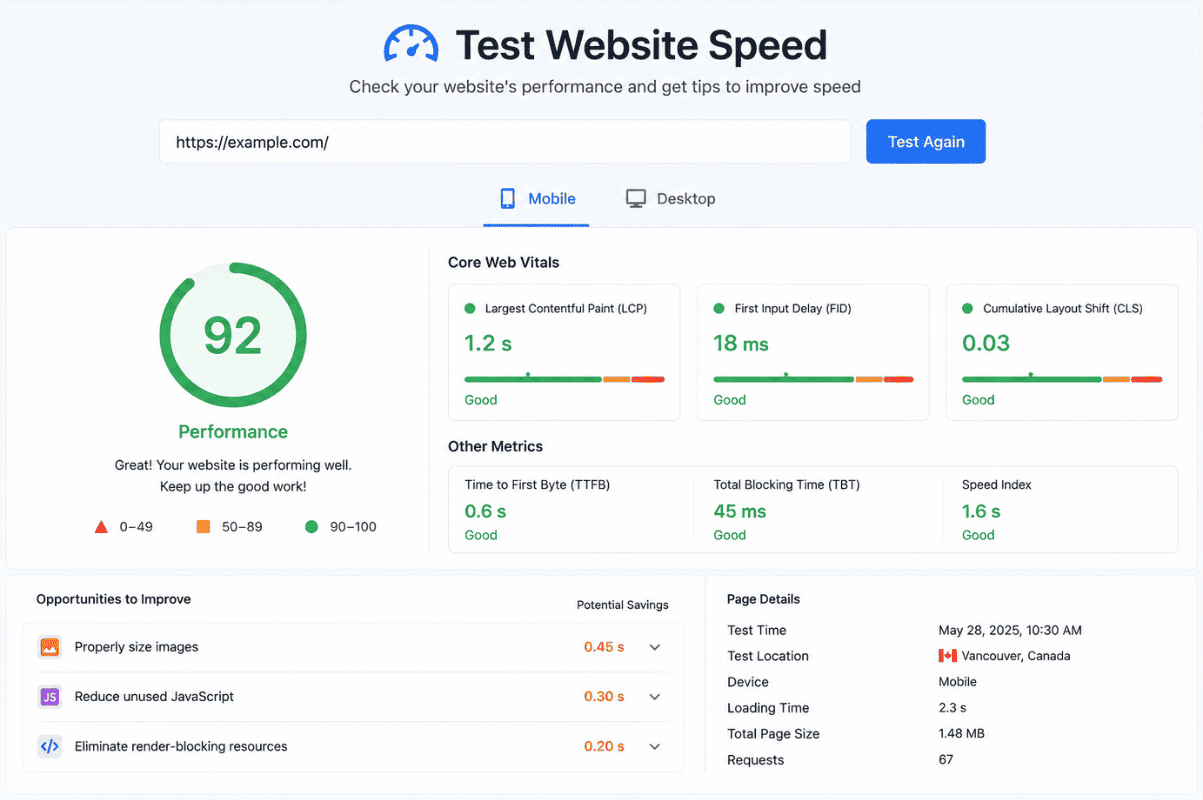
Step 4: Evaluate Core Web Vitals
Core Web Vitals continue to measure important aspects of page experience.
The three primary metrics are:
Largest Contentful Paint (LCP)
Measures how quickly the main content loads.
Interaction to Next Paint (INP)
Measures how responsive your website feels when users interact with it.
Cumulative Layout Shift (CLS)
Measures unexpected layout movement while a page loads.
Improving these metrics often results in a faster, more stable browsing experience, benefiting both users and search engines.
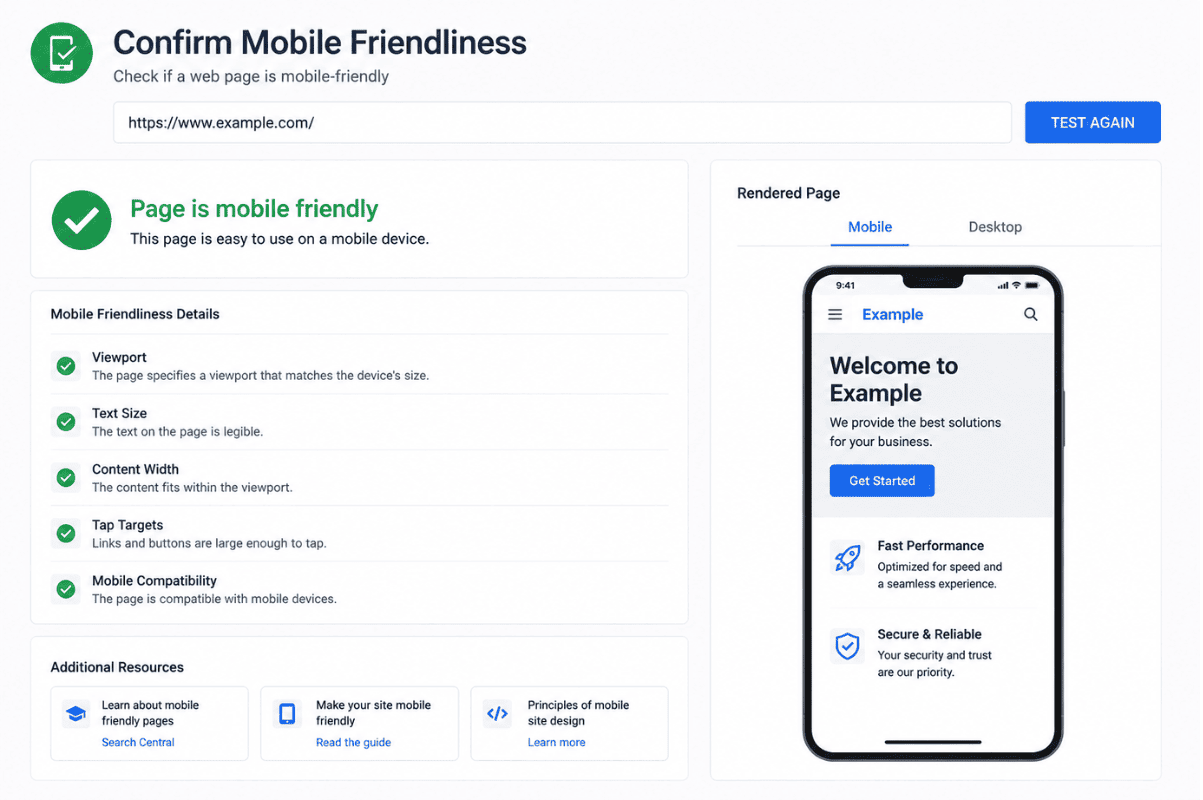
Step 5: Confirm Mobile Friendliness
Google primarily evaluates websites using mobile-first indexing.
That means your mobile website should offer the same quality experience as your desktop version.
Review every important page on a mobile device and check for:
- Responsive layouts
- Readable text
- Proper button spacing
- Fast loading times
- Easy navigation
- No horizontal scrolling
A technically sound mobile experience supports stronger SEO performance while improving user satisfaction.
Step 6: Review Your XML Sitemap
An XML sitemap helps search engines discover the most important pages on your website. While Google can often find pages through internal links, a sitemap provides a clear roadmap and supports more efficient crawling.
Your sitemap should:
- Include only indexable pages
- Exclude duplicate or redirected URLs
- Update automatically when new content is published
- Match your canonical URLs
After making changes, submit your sitemap through Google Search Console to help search engines discover updates more quickly.
Step 7: Audit Internal Linking
Internal links are one of the simplest yet most effective technical SEO improvements.
A strong internal linking structure helps search engines understand the relationship between pages and distributes authority across your website.
During your audit, check for:
- Orphan pages with no internal links
- Broken internal links
- Generic anchor text such as “Click Here”
- Important pages that receive very few internal links
Whenever possible, use descriptive anchor text that explains what users will find after clicking.
Step 8: Check Canonical Tags
Duplicate content can confuse search engines and dilute ranking signals.
Canonical tags tell Google which version of a page should be treated as the primary version.
Review your website to ensure:
- Every important page has a self-referencing canonical tag.
- Duplicate pages point to the correct canonical URL.
- Canonical tags don’t reference redirected or broken pages.
Incorrect canonicalisation is a common issue after website migrations or CMS updates, so it’s worth checking regularly.
Step 9: Validate Structured Data
Structured data, also known as Schema markup, helps search engines better understand your content.
Depending on your website, you may benefit from schema types such as:
- Article
- Product
- FAQ
- Organisation
- Local Business
- Breadcrumb
Although structured data isn’t a direct ranking factor, it can improve your eligibility for rich results, making your listings more noticeable in search.
Always validate your schema after implementation to ensure there are no errors.
Step 10: Fix Broken Links and Redirects
Broken links create a poor user experience and waste crawl resources.
As part of your technical SEO checklist, review:
- Internal 404 errors
- Broken outbound links
- Redirect chains
- Redirect loops
- Old URLs that still receive traffic
Where appropriate, replace broken links with relevant working pages or create proper 301 redirects.
Keeping your website free of unnecessary errors makes it easier for both users and search engines to navigate.
Common Technical SEO Mistakes to Avoid
Even well-designed websites can develop technical issues over time. Watch out for these common mistakes:
- Blocking important pages in the robots.txt file
- Leaving noindex tags on live pages
- Publishing duplicate content without canonical tags
- Ignoring mobile usability issues
- Using large, uncompressed images
- Creating long redirect chains
- Failing to monitor crawl errors
- Neglecting regular technical audits
Performing routine site reviews helps identify these issues before they impact your search visibility.
How Often Should You Perform a Technical SEO Audit?
Technical SEO isn’t a one-time task. Websites change constantly as new content, plugins, and updates are added.
A good review schedule includes:
Monthly
- Check crawl errors
- Monitor indexing reports
- Review Core Web Vitals
Quarterly
- Audit internal links
- Review structured data
- Test page speed
- Check XML sitemap
After Major Website Changes
Always perform a full technical audit after:
- Website redesigns
- Domain migrations
- CMS upgrades
- URL structure changes
- Large content updates
This proactive approach helps prevent technical issues from affecting your rankings.
A successful SEO strategy starts with a technically healthy website. By following this technical SEO checklist, you can improve crawlability, indexing, site performance, and overall user experience. While technical improvements alone won’t guarantee top rankings, they remove obstacles that may prevent your content from performing at its best.
Once your technical foundation is in place, combining it with high-quality content and authoritative backlinks creates a well-rounded SEO strategy that supports long-term growth.
If you’re looking to strengthen your website’s organic performance, buybacklinks offers ethical link-building solutions that complement a solid technical SEO strategy, helping your site build authority while maintaining a strong foundation for sustainable rankings.
Frequently Asked Questions
1. What is technical SEO?
Technical SEO focuses on improving your website’s infrastructure so search engines can crawl, index, and understand your pages more efficiently.
2. How often should I perform a technical SEO audit?
Most websites should undergo a technical SEO audit every three to six months, with additional reviews after major website updates or migrations.
3. Does technical SEO improve rankings?
Technical SEO supports better rankings by removing barriers that prevent search engines from accessing and understanding your content. It works best alongside quality content and backlinks.
4. What’s the difference between technical SEO and on-page SEO?
Technical SEO improves website infrastructure, while on-page SEO focuses on content, keywords, headings, and user intent.
5. Which tools are best for technical SEO?
Popular tools include Google Search Console, Google PageSpeed Insights, Lighthouse, Screaming Frog SEO Spider, Bing Webmaster Tools, and schema validation tools.
